Support from anywhere.
Stay in control.
Bizopserve Remote Management enables remote access to systems on your network or connected over the internet, so you can work on a device as though you were sitting in front of it.
Use an internet connection and a virtual session to manage applications, share screens, transfer files and troubleshoot remote devices. Bring remote support into the same operational picture as your IT assets and service desk.
Explore Remote ManagementRemote Control
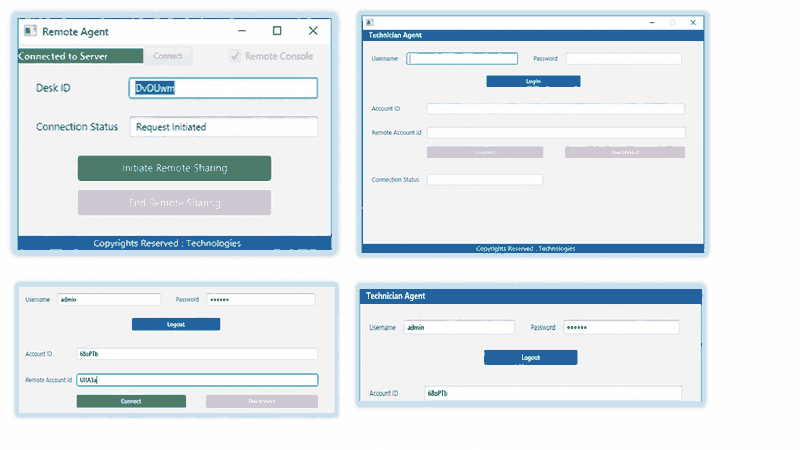
- Connect securely to systems on your network or over the internet without changing firewall settings.
- Take remote control of endpoints to manage systems, troubleshoot problems and resolve issues with the appropriate tools.
- Use Wake on LAN and remotely shut down individual systems or groups of systems.
- Run concurrent remote sessions.
- Manage computers and users through a web console.
- Log remote connections and file transfers.
- Organize computers and users into groups.
- Manage users.
Remote Access Benefits
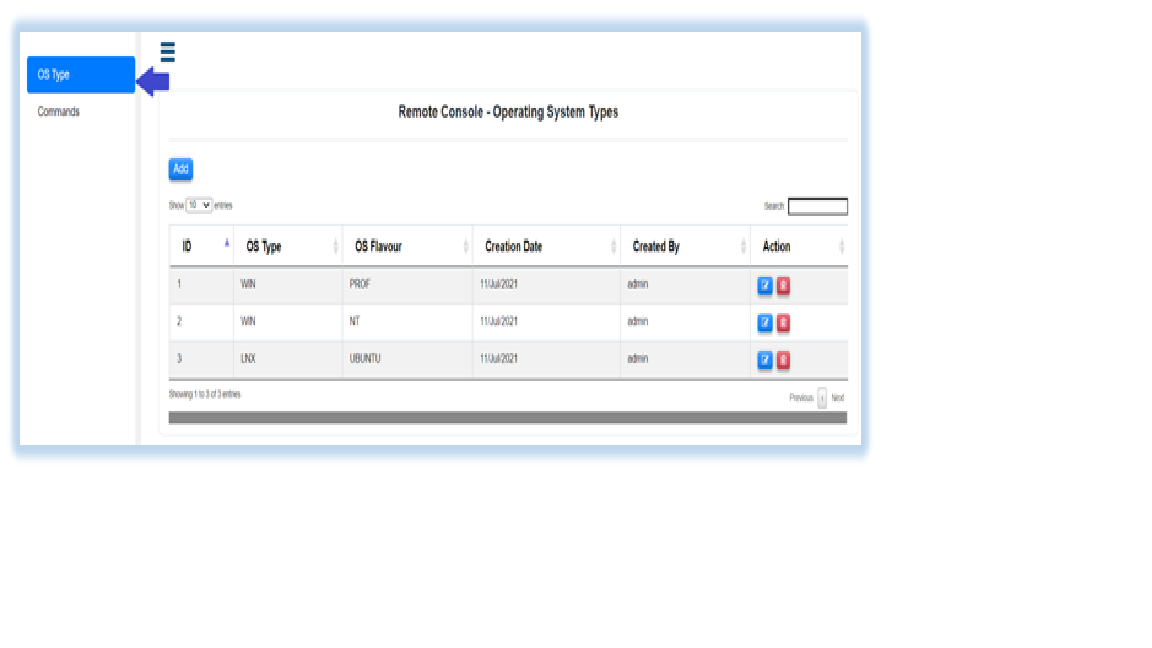
Screen-sharing technology lets IT technicians and support teams troubleshoot existing computers and devices without being physically present.
- Access files on devices and servers connected to the network.
- Define file and folder access rights for different categories of users.
- Respond to business needs more quickly with faster access to files.
- Set privileges for access to specific devices and folders according to business requirements.
Remote Logging
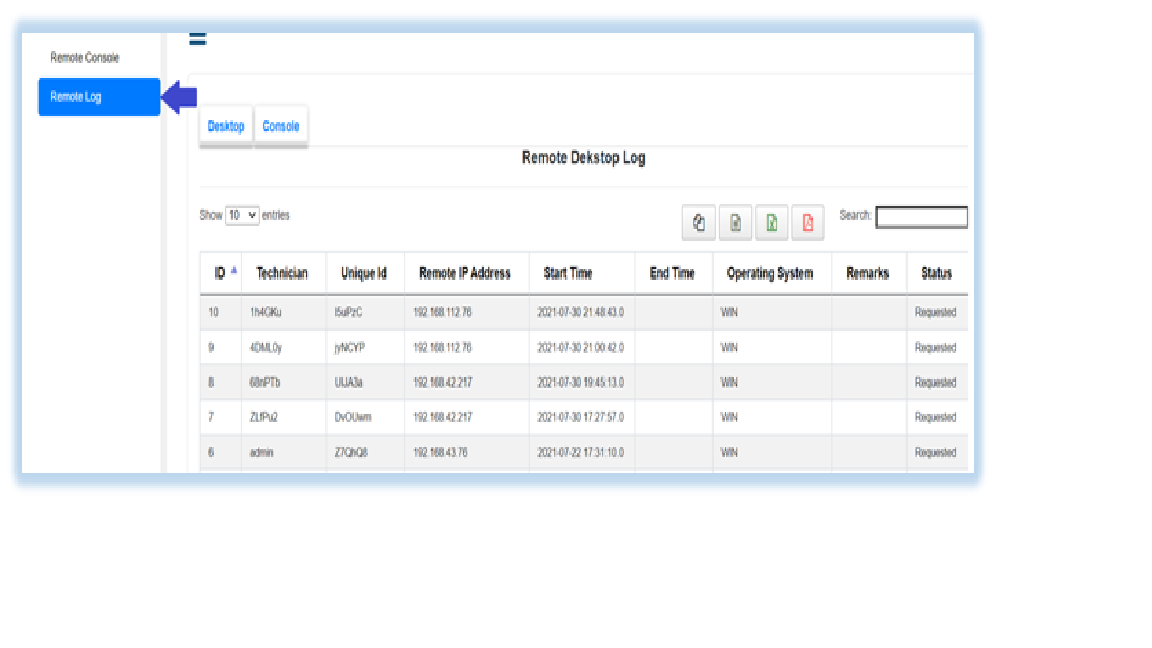
- Audit remote connection activity.
- Track file transfers.
- Log user management activity.
Remote Screen Sharing

- Access a remote screen.
- Lock the remote screen.
- Control the remote screen.
- Manage sessions through the web console.
Remote Troubleshooting
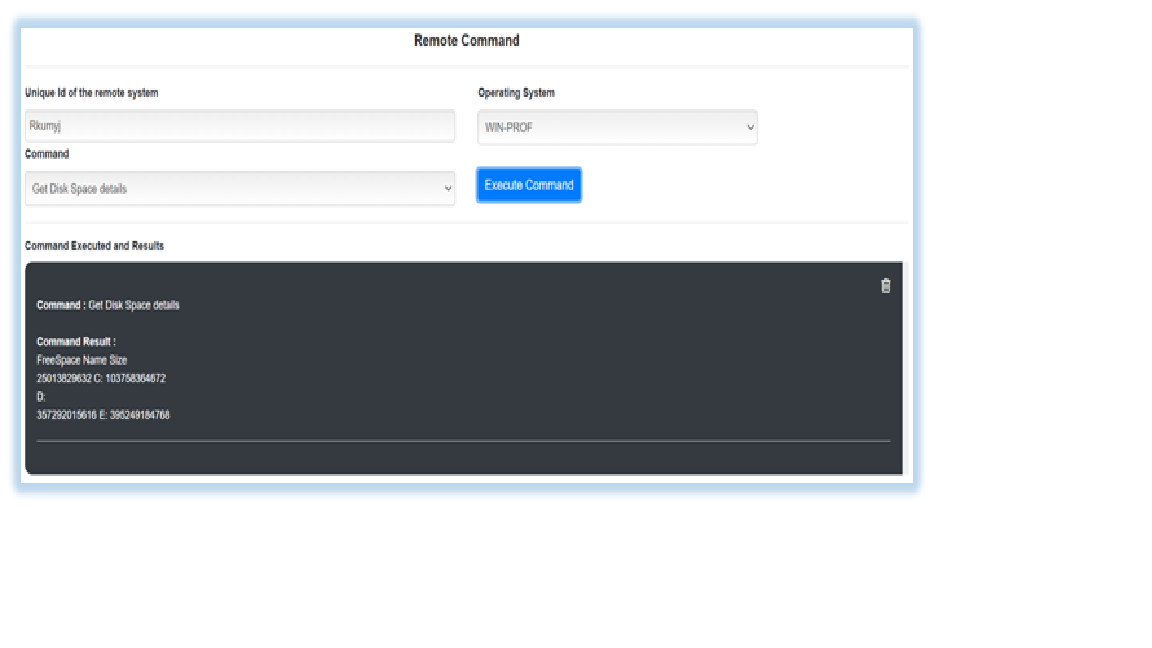
- Take remote control of a system to investigate issues and perform troubleshooting.
Wake on LAN
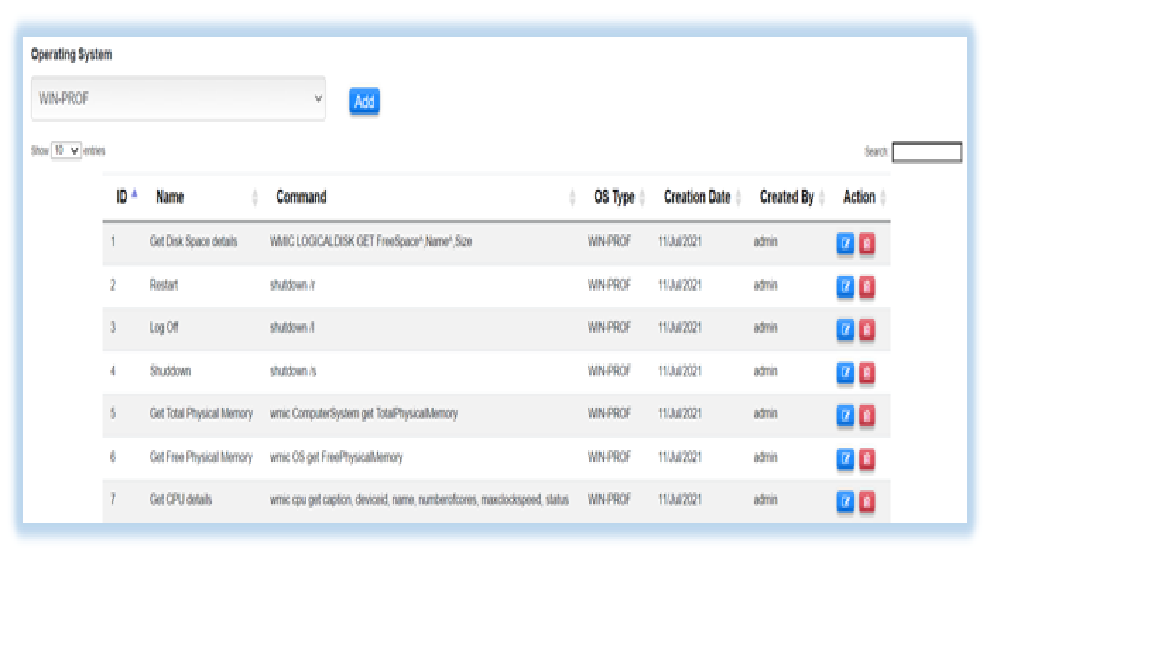
- Remotely power on supported systems and shut down individual systems or groups of systems to support seamless remote assistance.
LET’S MAKE WORK FLOW.Your next chapter in
Your next chapter in
better operations.
Find the Bizopserve suite that fits your team.
Let’s talkA conversation around your business.